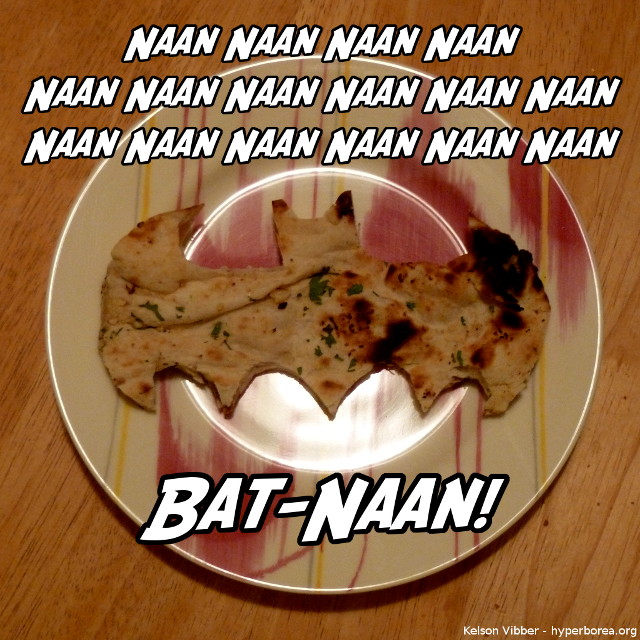
So, we were telling J to be careful of the “hot naan,” at which point I started singing “Hot naan! Hot naan! Hot naan!” Katie decided it needed to be bat-ified.

So, we were telling J to be careful of the “hot naan,” at which point I started singing “Hot naan! Hot naan! Hot naan!” Katie decided it needed to be bat-ified.
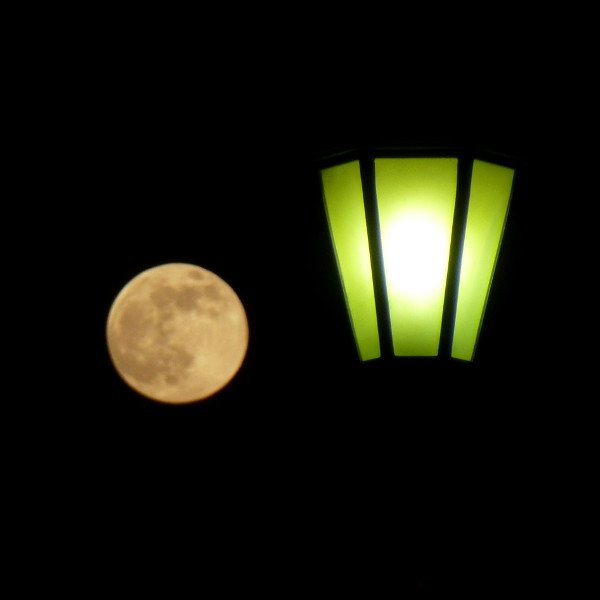
Most of the “supermoon” effect is illusion and expectation (the full moon at perigee is a little bit bigger in the sky than at other parts of its orbit, but not that much), but it’s a great reminder to get out and look at — or photograph — the full moon.
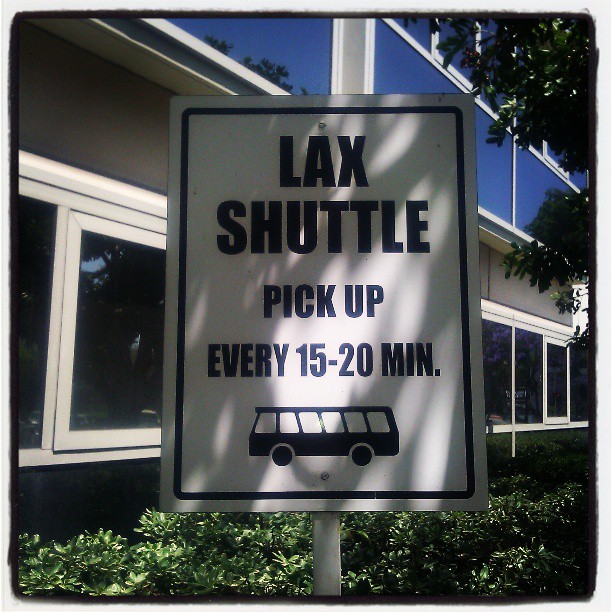
The strict shuttle arrives exactly every 17.5 minutes.
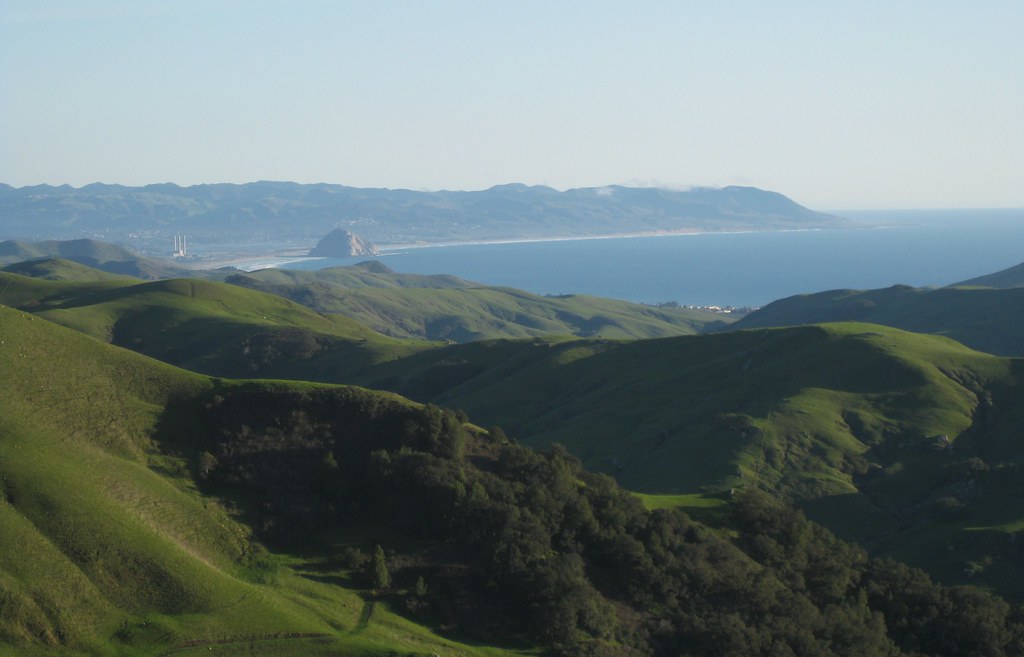
Morro Bay lies along the central California Coast near San Luis Obispo, and is known for two major landmarks: Morro Rock, a large volcanic dome right near the shoreline, and a power plant with three very tall smokestacks.
Some miles north, Highway 46 cuts through the coastal mountains from Cambria to Paso Robles, revealing cattle ranches, wineries, and empty hills. There’s one spot along the road where the hills part, revealing a perfect view of the bay and the rock. Better yet, there’s a turnout, making it easy to stop and look.
The first time I drove this way, it was gray and overcast, and might actually have been raining. A year later I took the same drive again on an sunny day, unable to remember how far along the turnout was but watching for it the whole way. The result: this shot.
The curves of the dome, the bay, the rolling hills and the patch of heavier vegetation all fit in with this week’s theme.
Photo Challenge (WordPress): Curves
I think my biggest disappointment with the New 52 is that they didn’t go far enough.
They had a chance to completely reinvent the DC Universe to an extent that we haven’t seen since the dawn of the Silver Age. Instead, we have the same basic characters: Superman is still Clark Kent, Batman is still Bruce Wayne, Wonder Woman is still Diana, Flash is still Barry Allen, Green Lantern is still Hal Jordan (and John Stewart, and Kyle Rayner, and Guy Gardner), etc.
They could have tried to recapture the sheer creativity that made the Silver Age such a success. (What if instead of a guy with a magic ring, we make him a space cop? What if instead of a small guy who’s really strong, he actually shrinks to microscopic size?) Instead, they tried to recapture the success of the post-Crisis DCU. That’s still ambitious, but it has nowhere near the same level of potential, and I think that’s thrown a wet blanket over the past two years.
But the New 52 seems to be this weird combination of top-down heavy-handed editorial mandate and throw-things-at-the-wall-and-see-what-sticks. The post-Crisis on Infinite Earths universe felt a lot more open and creative, like almost anything was possible.
Then again, I’m thinking of the first five years or so after COIE (before it accumulated enough complexity that they started doing things like Zero Hour and all the gimmicks we now think of as exemplifying the 1990s), and we’re only two years into the New 52, and I do remember there being a bit of a shakedown period — and I’ve had 20 years to forget the stuff that didn’t work in the late 1980s in favor of what did. So I could be seeing it through nostalgia-colored glasses.
Edited together from a pair of comments I originally posted on Reddit
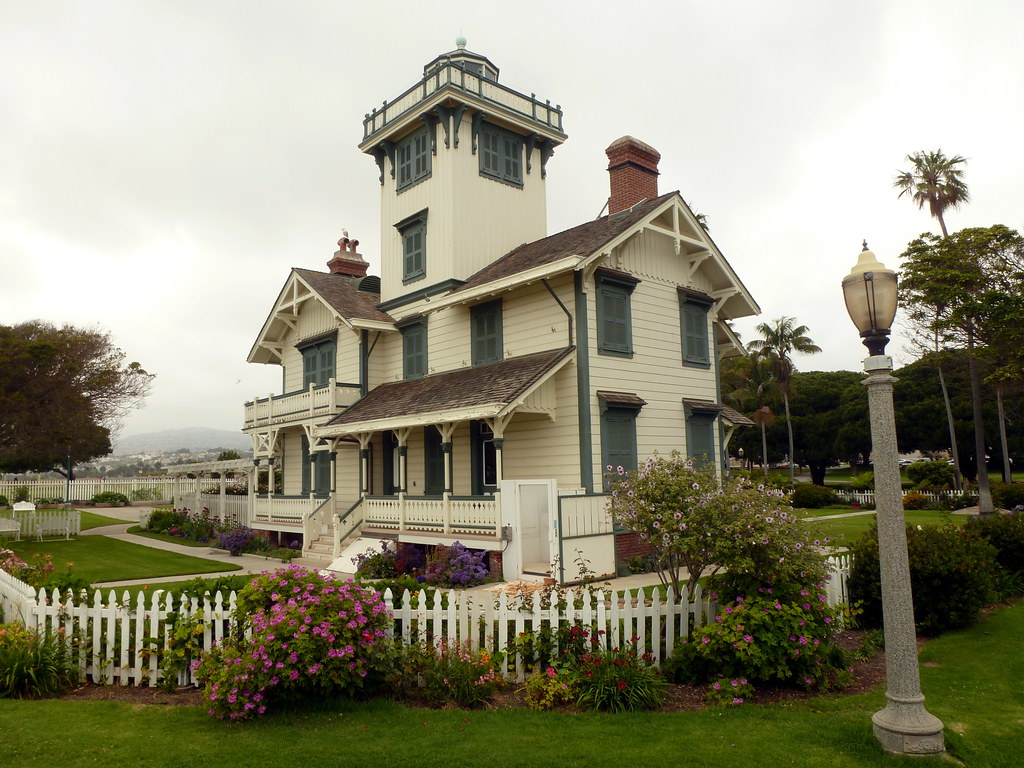
Point Fermin Lighthouse in San Pedro, California, at the southern tip of Los Angeles.
The Victorian lighthouse is surrounded by a city park, and the park is lined with a walkway along the top of the cliffs by the sea. Off to one end is the infamous sunken city, a suburban development that was abandoned when the land started sliding into the ocean. I took a whole slew of photos as I walked along the clifftop, and you can see the seven best on Flickr.
This is one of three lighthouses in the area that I considered driving to over the weekend for Instagram’s weekend hashtag project (theme: lighthouses), figuring it had the best chance of clear weather. No such luck. (Update: I have since been to Point Vicente many times, but I can’t remember what the third one was. Maybe the one in Long Beach by the aquarium?)
Strangely, the phone picture I chose for the project turned out to be more striking than the better shot taken with my camera. I was trying to keep the lamppost separate from the house, but it turned out I shouldn’t have.
I’m always surprised when that happens, even though it’s not that uncommon an occurrence.
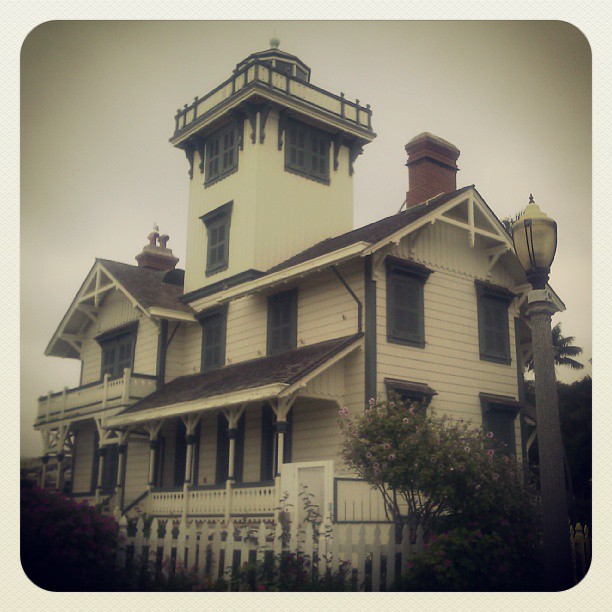
Photo Challenge (Instagram): Lighthouse
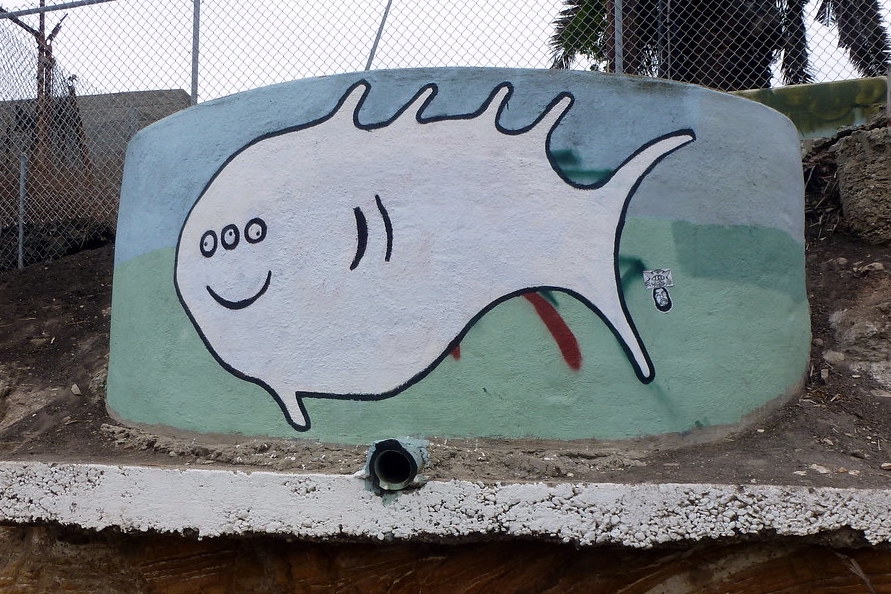
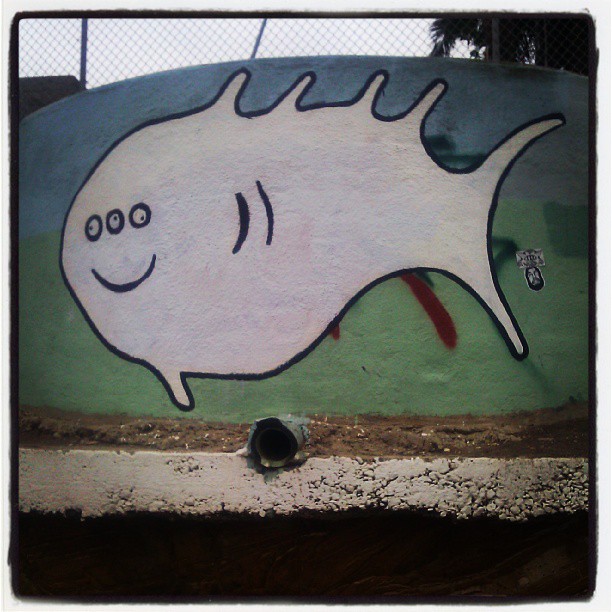
On the side of the road between Angel’s Gate Park and Point Fermin Park. A little ways downhill there was a one-eyed octopus.
Originally posted to Instagram with a slightly different photo taken on my phone, filtered to disguise the fact that the phone camera just wasn’t very good.