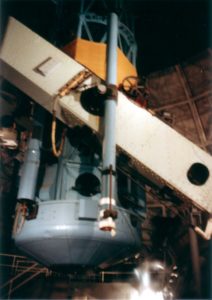
 The Station Fire burning through the Angeles National Forest north of Los Angeles is expected to reach the summit of Mt. Wilson sometime tonight. In all likelihood it will damage or destroy the communications towers and the observatory complex. The Mount Wilson Observatory is an active observatory, and is also of historical importance because of discoveries made there over its 105-year history. In particular: Edwin Hubble’s* observations with the 100-inch Hooker telescope (shown at right) indicated that universe is much larger than was previously thought, and that it was expanding — observations that revolutionized astronomy and led to the current Big Bang theory.
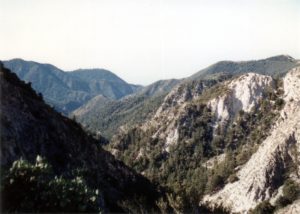
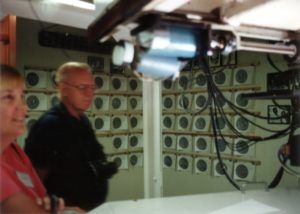 I’ve been to the observatory once, on a tour my family took on August 8, 1992. We’d just come back from a trip to Florida where we visited Disney World and Cape Canaveral during the summer I was 16. I really wish I could remember more about the trip…but I took pictures and labeled them (though not in much detail). With the observatory threatened, I thought I’d dig them out and scan them**. You can see all eight on my Mt. Wilson Observatory Tour 1992 photoset on Flickr.
 The Observatory’s website is apparently hosted on the grounds, so the fact that its fire status page is still responding indicates it’s still there and has power. The latest update says that they’re setting up a backup info page, but it’s showing a 404 error right now.
*As in the Hubble Space Telescope.
**Scanning them was not a problem. Digging them out? That was a problem. I knew exactly which photo album they were in, and thought I knew where the album was. As it turned out, it wasn’t there. It was in an unopened box shoved at the very back of the long,narrow hall closet, such that I had to move 3 other boxes, several bags, and an unused CD rack just to see that it was labeled “photo albums” on top. Edit: And, oh yeah, the trail of ants along the wall, going after the long-forgotten bag of Halloween candy. The wall I kept brushing up against. How did I forget that part?
That’s the missing piece that makes the classic phrase more than a simple tautology. It’s not just that it’s in the last place you look. It’s that it’s in the last place you want to look.