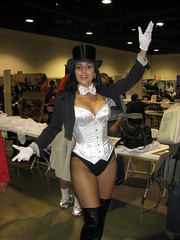
ZatannaOn the last weekend of October, I made it out to the second annual Long Beach Comic Con. It’s shaping up to be a very artist–, writer– and dealer-focused convention.

A couple of years ago, Wizard World Los Angeles seemed to be all about people looking for deals on comics and collectibles (in which case, why not just go to Frank and Son or the Shrine?). When the show resurfaced in Anaheim this year, it seemed to be all about the celebrity autographs.

If you just want to see the photos, check out the photo set on Flickr. Otherwise, read on!

Layout
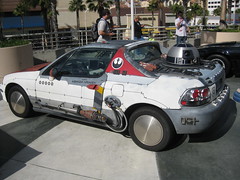
OBISHWNThe first thing everyone noticed was the row of themed cars out in front of the convention center: A Camaro painted up as Bumblebee, a replica of KITT from Knight Rider, cars from less geeky shows like Starsky and Hutch and (IIRC) Magnum, P.I.…and a car that had been modified to look like a Rebel Alliance small fighter, complete with an R2 unit!

The main floor at Long Beach was bigger this year than last, though nowhere near as big as Anaheim. Unlike Anaheim, they used most of their space.

All the publishers were clustered near the entrance, with Aspen and BOOM! the most prominent, followed by Top Cow, Image and Avatar in the next row with other small press, along with the celebrity autograph area off to one side.
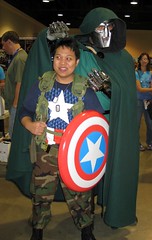
Dr. Doom and Captain AmericaThe rest of the floor was structured with a huge Artist’s Alley at its core, surrounded by retailers on either side. Actually, it would be more accurate to say that it was two Artist’s Alley areas with dealers wrapped around them in a sort of F shape.

If you went to Anaheim Comic-Con this year, remember how big the celebrity signing area was, and how small the artists’ area was? Flip it. My gut instinct says that there were more artists with tables here than there were in San Diego, but then it could just be that they’re a bigger percentage of the smaller space.
Continue reading

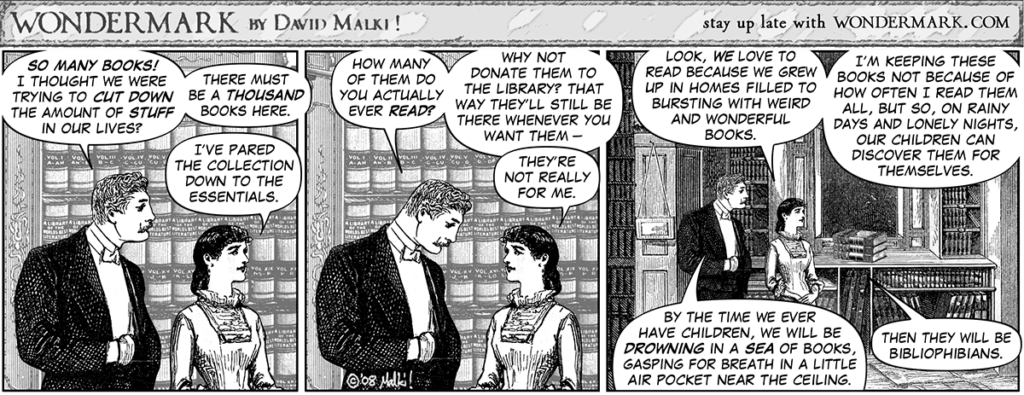
Two comic strips about book collections:

Comic strip with old-timey art featuring an argument between a man and woman over whether to keep the books. She wants their future children to discover the wonders of reading. He thinks there won't be any room for children if they keep acquiring more books.
Wondermark #442: In Which Beth Keeps Her Books

I stumbled on the Wondermark strip at Long Beach Comic-Con and it really hit home, between the fact that I grew up loving books for exactly this reason, and the impending arrival of the next generation.

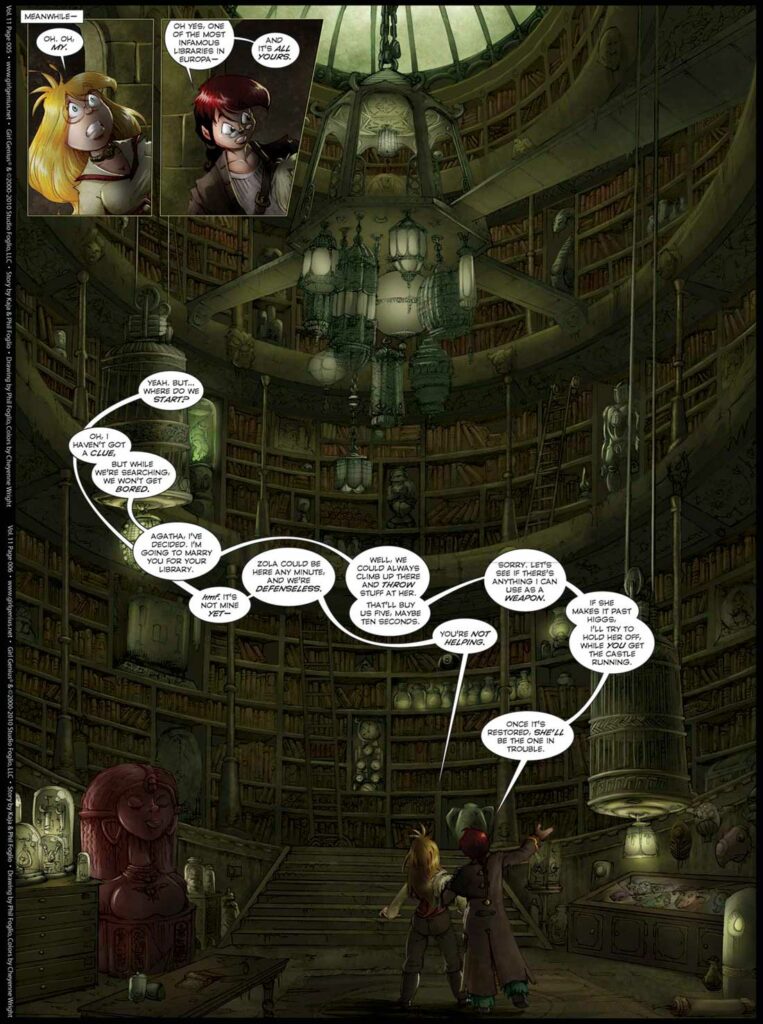
As for Girl Genius, I think Castle Heterodyne’s library could give the Beast’s a run for its money.

Looking up at many floors of a gigantic library, all of them full of books.

Comic-Con 2011 ticket sales crashed under heavy load shortly after going online.

I think we’re seeing another shift in the process of getting to Comic-Con.

It used to be that, as long as you were aware of the onsale dates and could both plan your trip and pay for your tickets far enough ahead of time, getting those tickets wasn’t a problem. Sure, the show might sell out months ahead of time, but it would take weeks or months to get to that point.

Now, people are looking at preview night already being sold out, and looking back at their last experience with hotel reservations, and freaking out: We can’t just buy our tickets this week – we have to buy them NOW, as soon as they go on sale, or we won’t be able to get in!

Get enough people reacting that way, and it becomes a self-fulfilling prophecy. Fear of a rush ends up creating a rush, just like fear of a run on a bank often triggers one. Add in the live progress bars as a feedback mechanism, and it snowballs even faster.

Until it crashes the server, anyway…

(Originally posted as a comment at The Beat.)

I haven’t quite found the time to write up my experience at the Adobe MAX designer/developer conference, but here’s a digest of my Twitter posts. As usual, photos are on Flickr.

Sunday

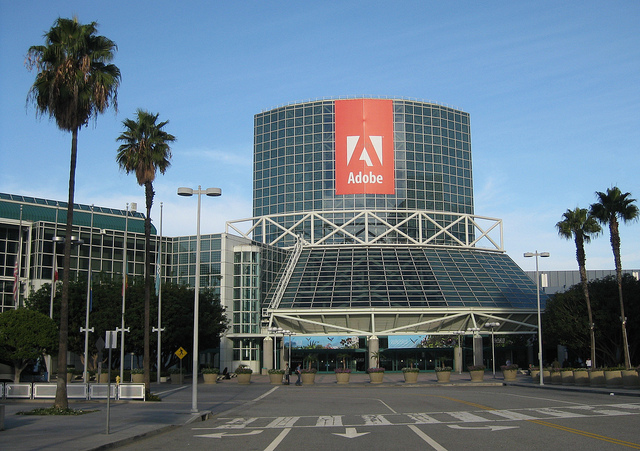
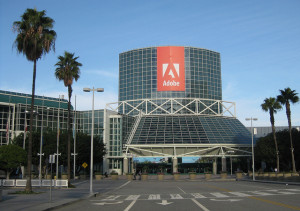
Adobe Max Entryway (Los Angeles Convention Center)

  • Watched a nearly-full moon set into the cloud layer behind the LA skyline on my way to Adobe MAX.
  • Obligatory pic of Adobe MAX entryway.

Monday

  • Made it to the keynote just as, I kid you not, Martha Stewart took the stage.
  • Nice demo of dynamically wrapping text around image content (not box), to be contributed to Webkit.
  • Content aware fill demo on a tablet – “performing witchcraft” on the progress bar label.
  • Multi device link: iPad as classic color palette mixer for desktop Photoshop.
  • Blackberry Playbook approach: don’t dumb down the Internet for mobile devices, bring up the performance of the devices.
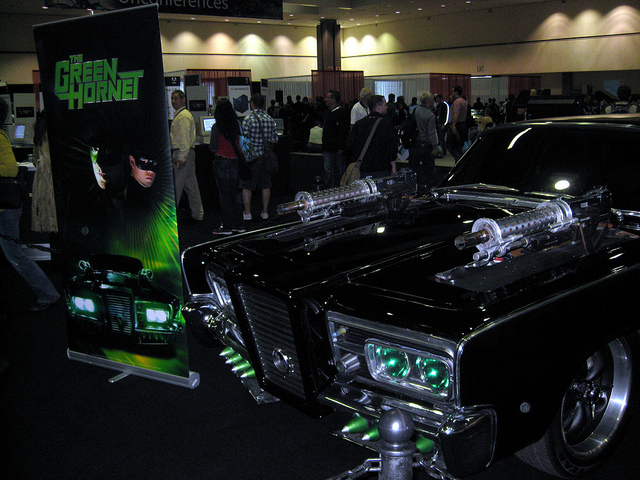
  • Green Hornet game demo: same app running on desktop & touch screen phone, auto-detecting input methods.
  • The Green Hornet car. I wasn’t expecting overlap between a tech conference and Comic-Con
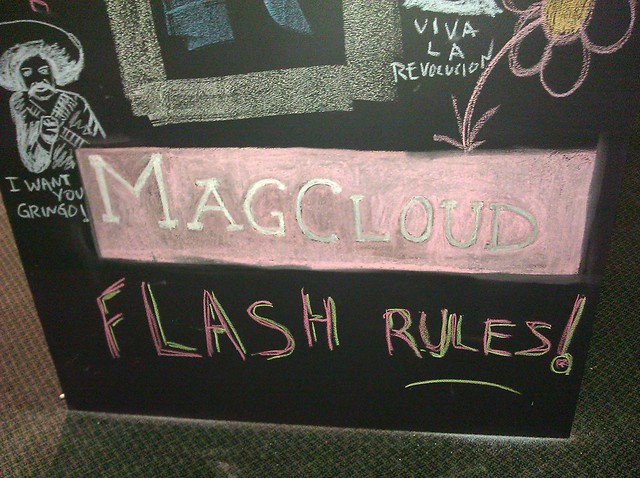
  • Something else Adobe MAX has in common with Comic-Con: Flash fans.

Tuesday

  • When I got here, the line for Starbucks was about 5 people. Now I can’t see the end.
  • Managed to scarf down a sandwich from Starbucks before the evening session. Interesting mix of tech crowd & Lakers fans.
  • Ok, I am officially a geek. I ranked 7th in a phone-powered Star Trek trivia contest with several hundred people at a tech conference.
  • And then tweeted about it.
  • Adobe MAX sneak peeks’ method of keeping people from going too long: A Klingon with a phaser creeping across the stage.
  • Very cool demo of auto-converting long video to a tapestry for better scene selection.
  • Nifty Photoshop demo: post process photo based on a model. “what if this photo had been taken by Ansel Adams?”
  • Nice! Automatically compensating for camera motion blur!

Wednesday

  • Gotta love LA traffic. I left for Adobe MAX 40 minutes earlier than yesterday and arrived at the same time – too late for my 8:30 lab.
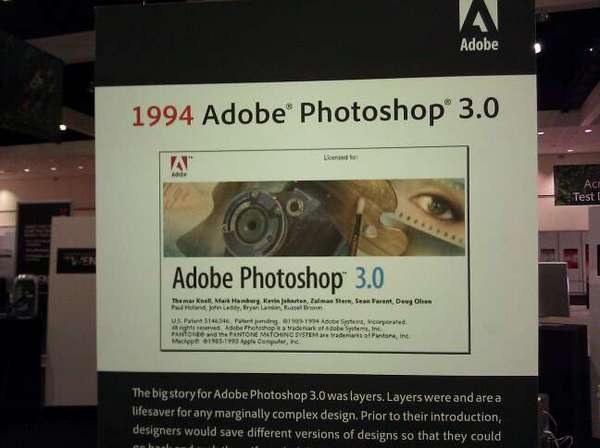
  • Funny how you can get nostalgic for your first version of Photoshop. (Sadly, 2.5 is missing.About Photoshop 3.0
  • MAX is definitely less crowded today. No problems finding a table for lunch, and the cell & wifi networks are a lot less congested.

I’ve never been a fan of actually using GPS navigation. Sure, I’ve always thought it was insanely cool that it was possible, I just didn’t want to use it myself. For unfamiliar destinations I generally prefer researching a route first, and for familiar ones I generally prefer just relying on my local knowledge. But I’ve found something that I do like using it for: Traffic.

I recently started a new job, exchanging a fairly short commute for a ~40-mile trek across the Los Angeles freeway system. Under ideal conditions, it’s about 45 minutes. When the freeways are bogged down (i.e. when I’m actually going to be driving), it can take an hour and a half or more.

When I landed the job, I replaced my phone with a G2. It’s a heck of a lot faster than my old phone, plus it can handle newer software…like Google’s turn-by-turn navigation app for Android. After trying a couple of different routes the first few days, I tried it out…and discovered that it factors in live traffic data when calculating the remaining time.

The upshot: I can walk out the door, start up the app, and figure out which of three main routes will get me there fastest. (Well, least slowly, anyway.)

Of course, it’s not perfect. It’s based on traffic now, and over the course of a predicted hour-plus, the route could easily get more congested. That’s not even counting potential accidents. It does seem to update frequently, though, and knowing I’ve avoided a 100-minute drive in favor of 70 minutes really outweighs the annoyance of a mechanical voice telling me how to get to the freeway from home.

I do have to remember not to rely on it too heavily at the end of the trip, though. I left it on by mistake after selecting my route to the LA Convention Center for Adobe MAX this morning, and instead of turning it off, I let it direct me straight past the parking garage.

Oops.