Phone notifications aren’t just reminders. They’re interruptions, especially if you have sound or vibration turned on. That gives them a lot of power, and means they should be used responsibly.

In short, phone notifications should serve your interests as the person using the phone. Not the app’s. Not the service’s. Yours.

If someone you know sends you a message, you probably want to know that. If you put an appointment on your calendar, that reminder is going to help you. A shipping update, or delivery notice? Probably helpful as well. Completion of some long-running process that you requested or are waiting for? OK. App and system updates? You do want the phone to keep working properly, so there’s a case there.

If your friend tags you on a photo, or replies to your comment, or sends you a message, then yeah, Facebook or Twitter or Tumblr or Mastodon can justifiably notify you. It’s the start or continuation of a conversation between you and that other person. (Though you should still be able to mute it if you don’t want to talk to that person.)

But when Facebook starts pushing friend suggestions, or “did you see so-and-so’s comment on this conversation that you’re not part of,” or choosing to promote some subset of people’s broadcasts? That’s not in my interests, and that’s not in the other person’s interests. That’s Facebook advertising itself, because they’re desperately afraid they’ve lost my eyeballs.

It’s no different than the Black Friday through Cyber Monday ads that Amazon pushed into my notifications over Thanksgiving weekend.

We can pare down notifications, but it takes time, and not every app offers fine enough controls over which notifications it sends. And of course you have to re-do it every time you get a new phone, and every time you add a new app.

Advertising in an alert is, IMO, an abuse of the feature. We’re bombarded by so many demands for our attention as it is. Phone notifications should stick to those that help us do what we want, not those that distract us from it.
I use extensive filters on Gmail to categorize mail the way I want. I pre-filter some things to look at later, prioritize some lists (like allergy or uptime alerts), and pre-categorize things that I may want to file away after looking at them.

The problem is, I can only change filters on the desktop site. When I’m reading on my phone, I need to remind myself not to archive or delete messages that I want to start filtering.

It occurred to me: I can label those messages “Change Filter.” I could even do it right away – there’s a “Manage labels” option on the Android app!

Nope!

I can’t add labels in the app, just change the download and notification settings for each.

So, website then…

Except I can’t get at the full Gmail website on my phone. Or my tablet. Google insists on showing a stripped-down mobile site, which has even fewer capabilities than the app.

I can’t fault them for starting with the mobile site. It is helpful to focus on the features that work best on small touchscreens, under-powered processors, and high-latency, low-bandwidth networks, and can be done by someone on the go, rather than someone sitting at a keyboard with a big screen and a mouse.

But if someone wants to use the functionality you’ve left out, and is willing to slog through the desktop site on their phone or tablet, you should at least let them get at it!

In this case I waited until I could log in on a desktop, then added the label. But not everyone with a phone has a desktop or a laptop. And as the balance keeps shifting towards phones as people’s primary internet access device, that’s going to be more and more common.

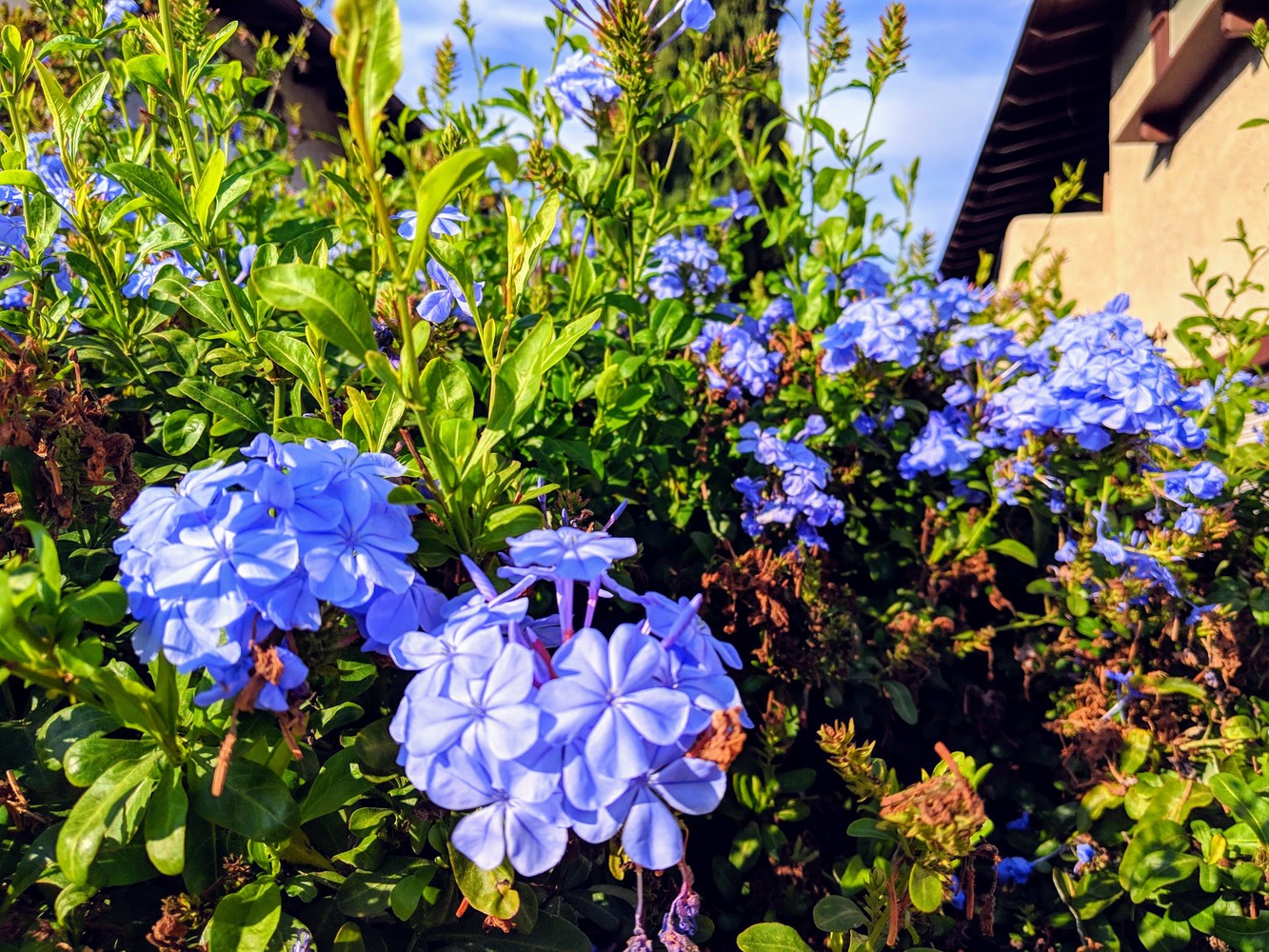
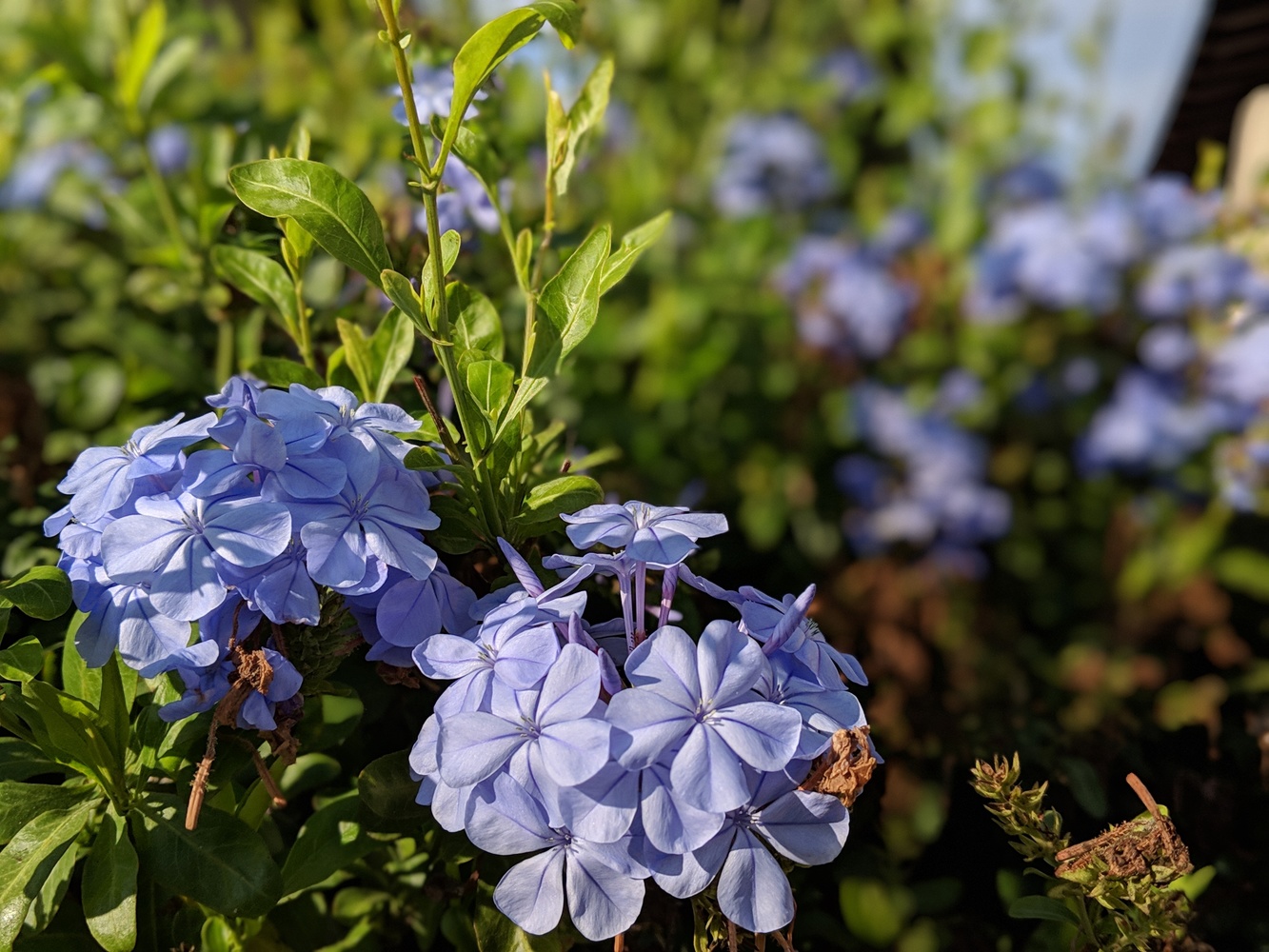
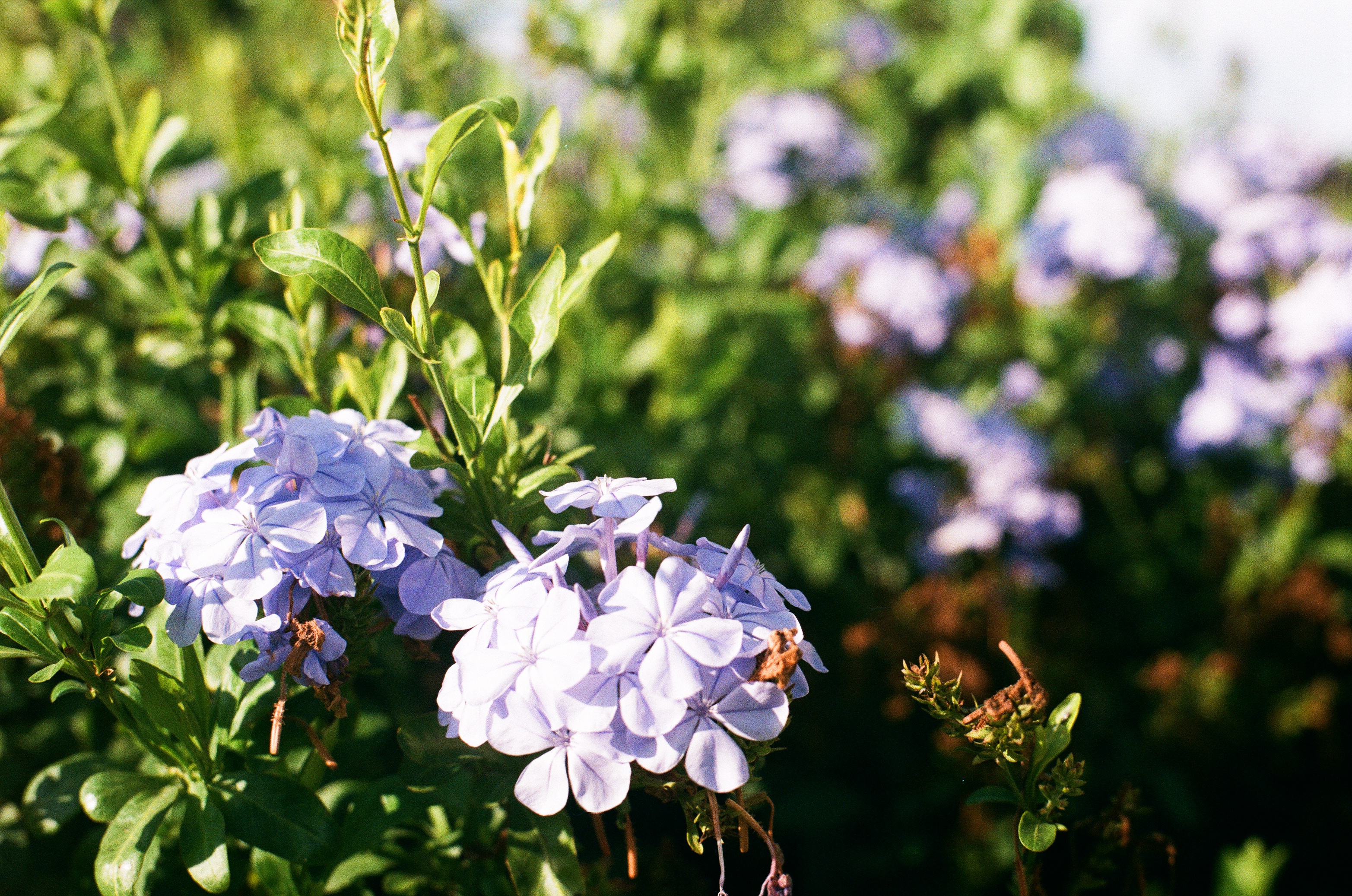
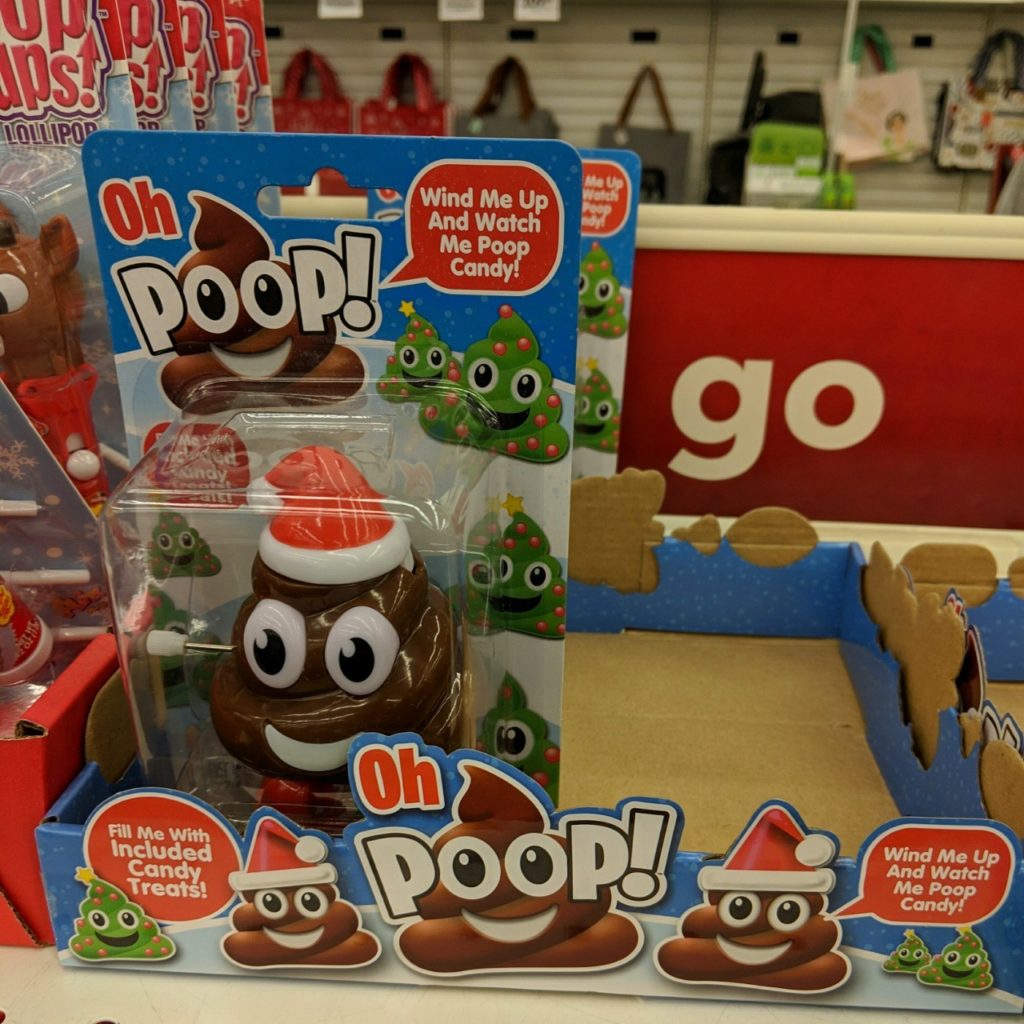
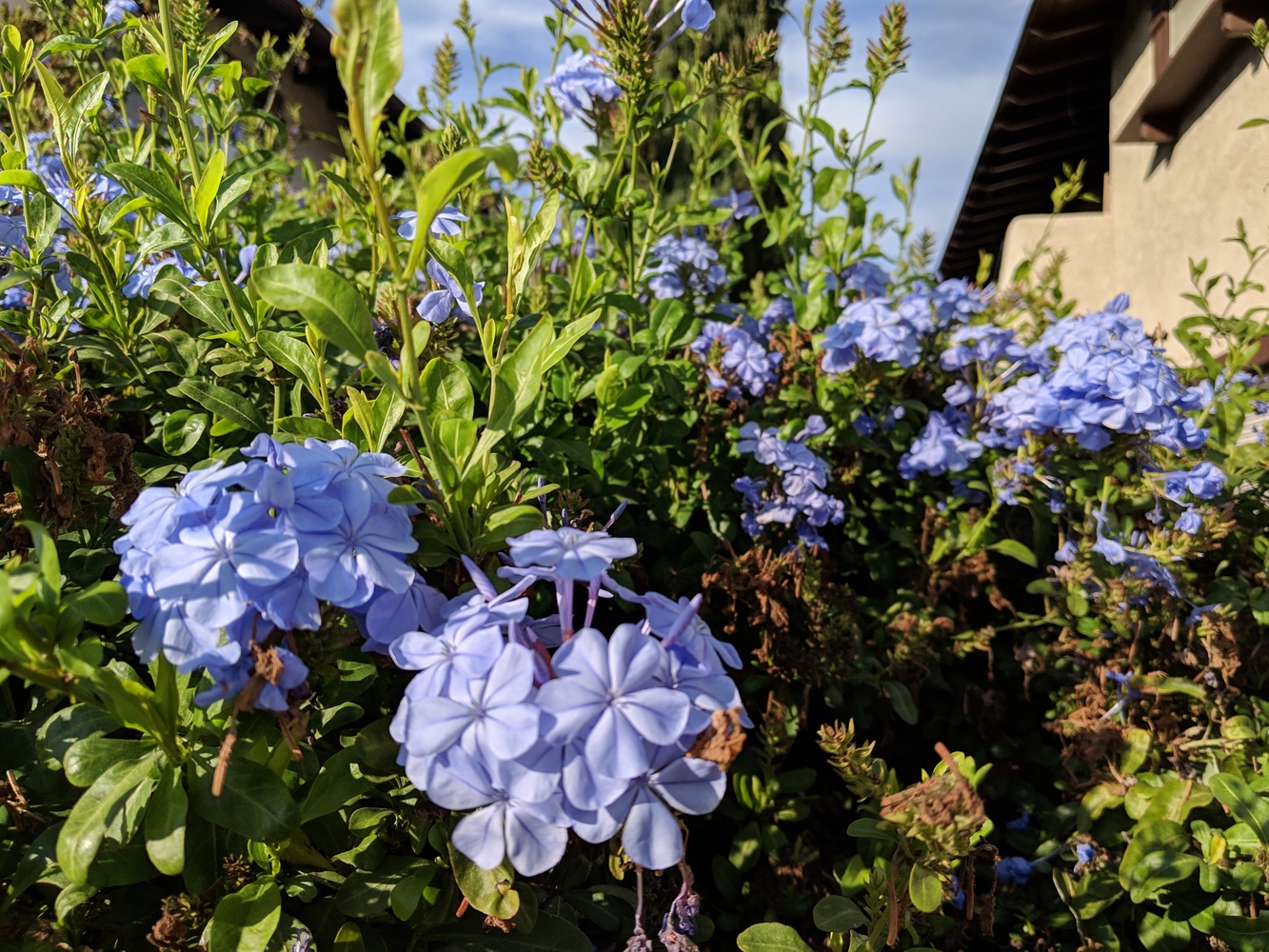
Four versions of the same photo.

  • One taken with my phone, which has a deep depth of field.
  • One automatically “enhanced” by Google from that phone photo.
  • One taken with my phone in portrait mode, which simulates a shallow depth of field.
  • One taken with my ancient film SLR camera, with a low F-stop to have an actual shallow depth of field.

We got the negatives and scans back from the two rolls of film we shot with the old manual film camera. Despite the damage to the case, it seems to still be light-proof, as the second roll of film came out about as well as the first.

It was an interesting experiment. We mostly took night/indoor photos with the tripod and handheld photos outdoors in daylight. He’s not used to focusing, so a lot of his photos are blurry. The light meter app on my phone seems a little off in sunlight, so our outdoor photos are all either over– or under-exposed. (The zinc-air batter has since shown up, so with luck we’ll be able to get more accurate light readings with the next roll.) But it gave some of the photos a retro feel.

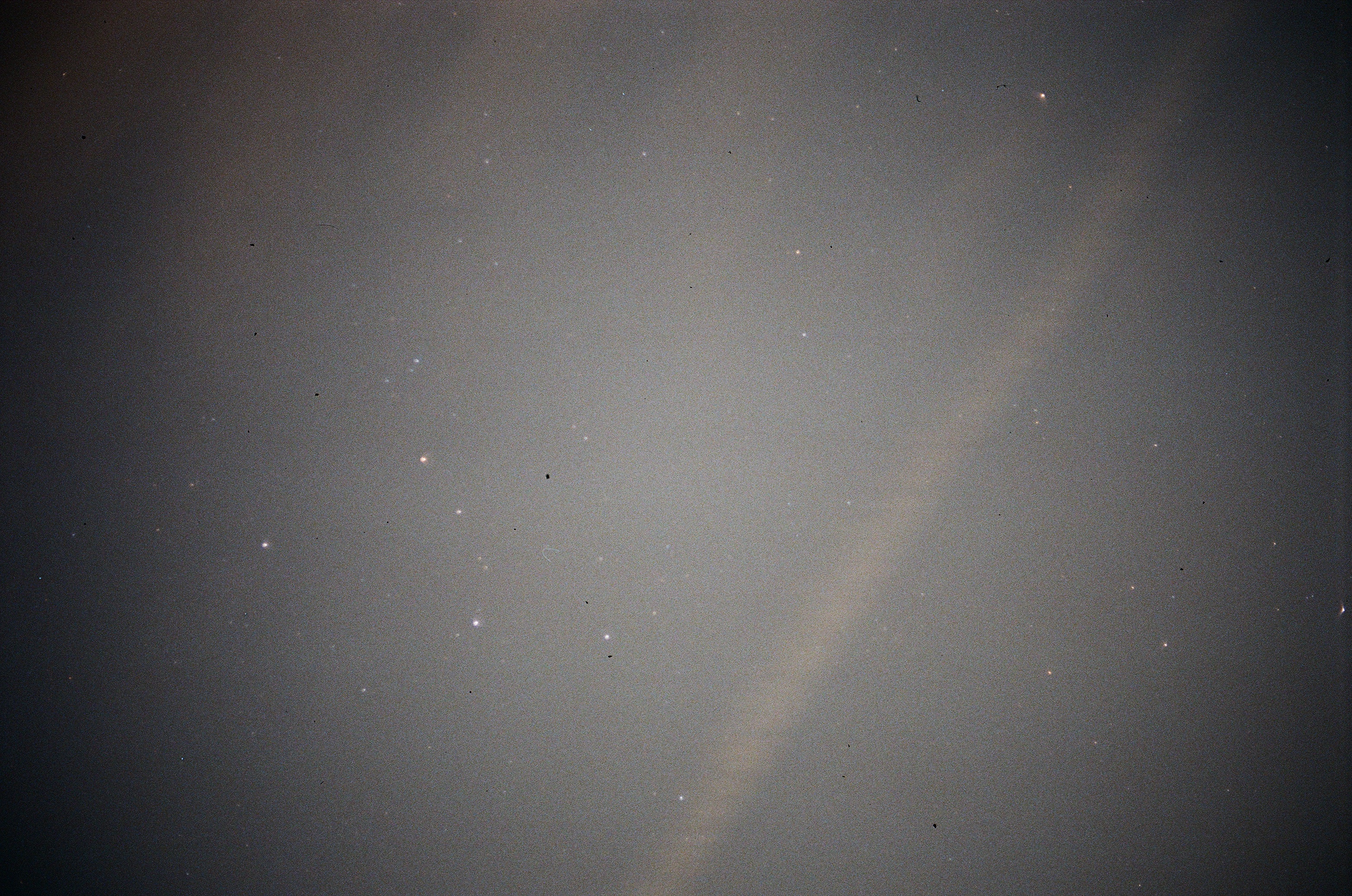
Here are a few of the better shots, plus one of the light-polluted, smoke-filled skies of Los Angeles with enough stars to recognize Cassiopeia.

Over at Key Smash!, I’ve been helping beta-test the Pterotype plugin to hook up a self-hosted WordPress to the Fediverse. It gives WordPress an ActivityPub presence, so new posts and comments can be seen in Mastodon, Pleroma, and other ActivityPub-powered networks, and replies from those networks can come back as comments.

But Key Smash! is a simple test case. It’s at the top of the site, there’s no caching, it’s only got a handful of posts, and it hasn’t been bombarded by spammers for years.

So I’ve installed it on here. Older posts won’t federate, but new ones (starting here) should, and replies should show up as comments. With luck they’ll land in the moderation queue instead of the spam queue.

You may be able to follow the site by searching for this post’s URL in Mastodon/etc. Maybe. I need to report a bug in the handling of sites that aren’t at the top level: To find the site I need to search for @blog@www.hyperborea.org/journal – the first time. Then that search stops working, but I can find it at @blog@www.hyperborea.orgjournal instead. But that only works after I’ve searched for the first one.

Well, that’s part of why I set it up here: to help beta test.

Update: Submitted the username/discovery issue to Github.

Update: You can now follow the blog directly at @blog@www.hyperborea.org

Update (Dec): I turned it off temporarily due to spam problems. Spam comments were visible through ActivityPub, and couldn’t be deleted due to a FK constraint on the Pterotype tables.

Update (2019): Pterotype appears to have been abandoned. 🙁